
What teachers do during the lesson
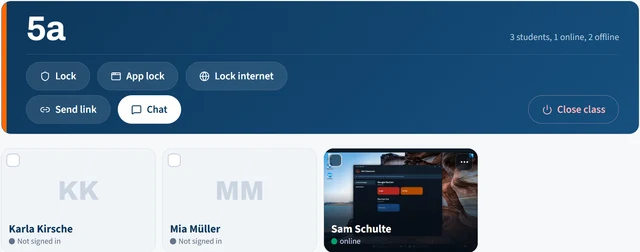
Every action applies to the whole class or only to selected students.
Live screens
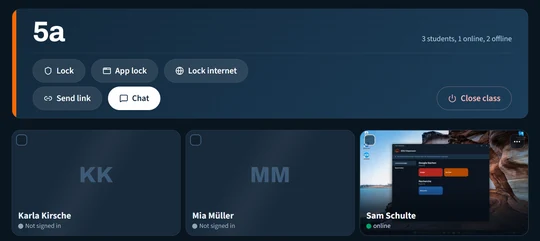
Small live images show every student screen. One click opens the large view.
Lock screens
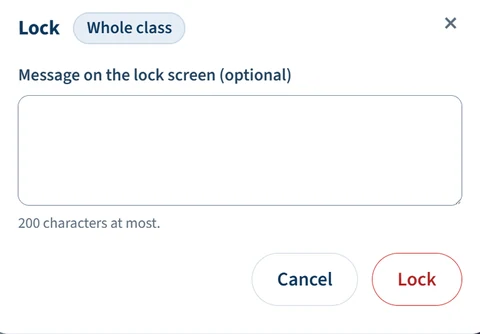
Keyboard and mouse are blocked, with a message if you like. A PIN unlocks a device right there in the classroom.
App lock
Only allowed programs run, or individual programs are blocked. The lists apply in every class.
Internet lock
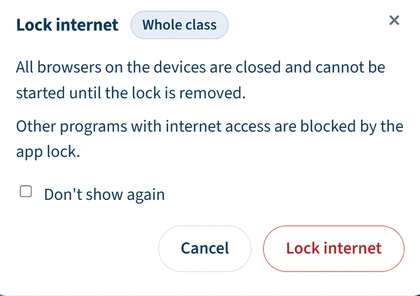
The browsers on student devices stay closed until the teacher allows the internet again.
Links and link collections
An address opens immediately in the students' browser. Collections are ready on the device.
Chat and files
Messages to the class or to individual students, with replies. Worksheets go along directly.
For school IT
No device management
EDU Classroom needs no MDM. A small program on the student device is enough.
An installer for each school
Server address and school code are built in. The MSI can be rolled out through your existing software deployment.
Sign-in with the school account
Microsoft Entra ID, OpenID Connect, SAML or LDAP. Alternatively, a CSV import creates the accounts.
Servers in Germany
Operated in a German data centre or on site on your own school server.
Privacy built in
Screen images are not stored. EDU Classroom deletes messages and files after 30 days.
Requirements
Student devices with Windows 11 and a connection to the server. Teachers work in an up-to-date browser.
Book a live demo
The demo shows teaching with EDU Classroom live on real devices.
Or by email: kontakt@sur-it.de